










Description
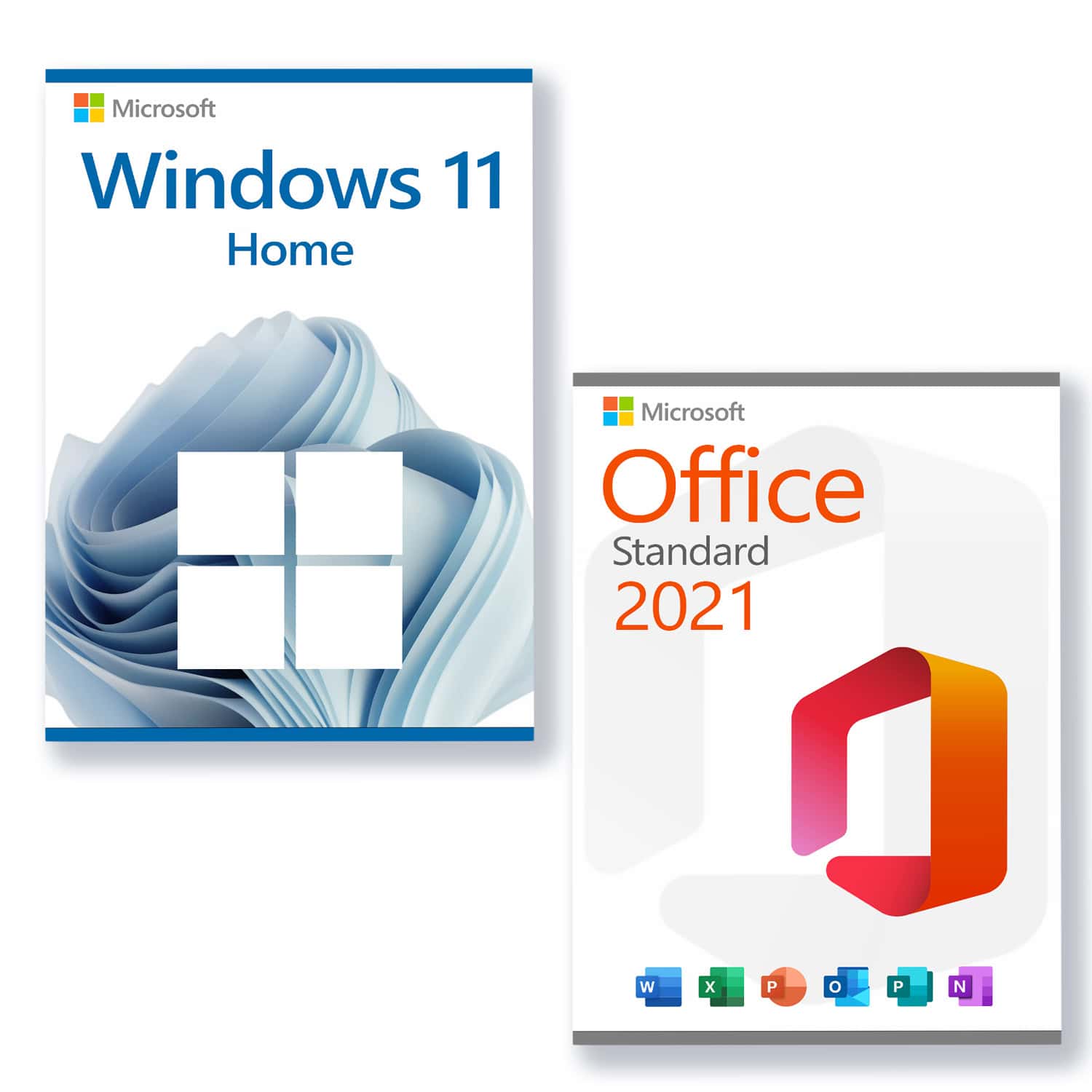
Microsoft Windows 11 Home
System requirements
Get ready for Microsoft's latest and greatest operating system! This edition is aimed at the home user and is well-suited for everyday use, creative work, and gaming.
Dies sind die Grundvoraussetzungen für die Installation von Microsoft Windows 11 auf einem PC. Wenn Ihr Gerät diese Anforderungen nicht erfüllt, können Sie Microsoft Windows 11 möglicherweise nicht auf Ihrem Gerät installieren und sollten den Kauf eines neuen PCs in Betracht ziehen. Wenn Sie sich nicht sicher sind, ob Ihr PC diese Anforderungen erfüllt, können Sie sich bei Ihrem PC-Originalhersteller (OEM) erkundigen oder, wenn Ihr Gerät bereits Microsoft Windows 10 ausführt, die App PC Health Check verwenden, um die Kompatibilität zu prüfen (to download).
-
Processor
1 Gigahertz (GHz) or faster with 2 or more cores on a
compatible 64-bit processor
or SoC (System on a Chip). -
RAM:
4 gigabytes (GB) -
Storage space
64 GB or more
Hinweis: Siehe unten unter „Weitere Informationen zum Speicherplatz, um Microsoft Windows 11 aktuell zu halten“ für weitere Details.
-
System firmware:
UEFI, Secure Boot capable -
TPM
Trusted Platform Module (TPM) version 2.0 -
Graphics card
Compatible with DirectX 12 or higher with WDDM 2.0 driver -
Advertisement:
High-resolution display (720p) with a diagonal of more than 9 inches, 8 bits per colour channel -
Internet connection and Microsoft accounts:
Microsoft Windows 11 Home Edition requires an internet connection and a Microsoft account to complete device setup on first use.
Switching a device out of Microsoft Windows 11 Home in S mode also requires an internet connection.
Internet access is required for all Microsoft Windows 11 editions to perform updates and to download and use some features. A Microsoft account is required for some features.
Microsoft Office 2021 Standard
Die Microsoft Office 2021 Standard Edition ist ideal für Anwender, welche die beliebtesten Microsoft Office Applikationen zu Hause oder im Büro nutzen. Es umfasst die klassischen Microsoft Office-Anwendungen: Word, Excel, Outlook, PowerPoint und Publisher. OneNote kann aus dem Microsoft Windows Store heruntergeladen werden und ermöglicht es Ihnen, schnell Notizen zu erstellen und diese über die Cloud auf allen Geräten verfügbar zu machen. Erleben Sie verbesserte Leistung, Stabilität und Geschwindigkeit in Word, Excel, PowerPoint und Outlook. Sie erhalten sich neue und verbesserte Such-, Freihand-Tools, Datentypen, Funktionen, Übersetzungs- und Bearbeitungstools, animierte Grafiken, benutzerfreundliche Funktionen und vieles mehr in der gesamten Microsoft Office 2021-Suite.
- PublisherLayout creation for professional publications
REQUIRES WINDOWS 10 OR 11!
Support:
Please do not hesitate to contact us if you have any questions. By email to contact. Our customer service is available 7 days a week, 24 hours a day.