









Description
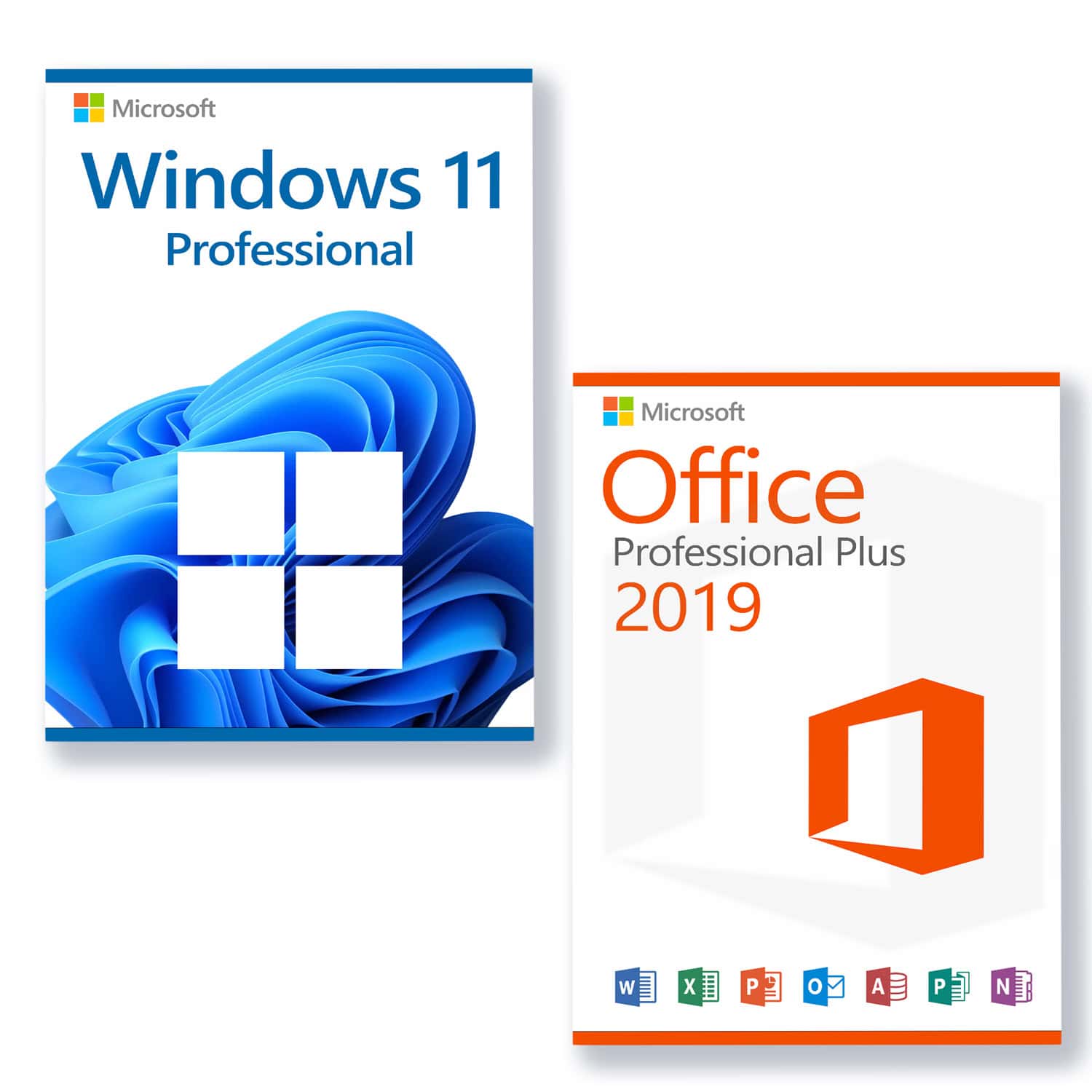
Microsoft Windows 11 Professional Licence for 3 PCs
- With this licence, the software can be activated on 3 different devices, e.g. home PC, laptop and work PC.
- 30-day full refund – Lifetime replacement guarantee
System requirements
Ensure you are ready for Microsoft's latest and greatest operating system!
These are the basic prerequisites for installing Microsoft Windows 11 on a PC. If your PC does not meet these requirements, you may not be able to install Microsoft Windows 11 on your device. If you are unsure whether your PC meets these requirements, you can check with your PC's original equipment manufacturer (OEM) or, if your device is already running Microsoft Windows 10, use the PC Health Check app to verify compatibility.to download).
- Processor 1 Gigahertz (GHz) or faster with 2 or more cores on a compatible 64-bit processor or SoC (System on a Chip).
- RAM: 4 gigabytes (GB)
-
Storage space 64 GB or more
Note: See below under „More information about storage space to keep Microsoft Windows 11 up to date“ for more details. - System firmware: UEFI, Secure Boot capable
- TPM Trusted Platform Module (TPM) version 2.0
- Graphics card Compatible with DirectX 12 or higher with WDDM 2.0 driver
- Advertisement: High-resolution display (720p) with a diagonal of more than 9 inches, 8 bits per colour channel
- Internet connection and Microsoft accounts: Internet access is required for all Microsoft Windows 11 editions to perform updates and to download and use some features. A Microsoft account is required for some features.
Microsoft Office 2019 Professional Plus Licence for 3 PCs
- With this licence, the software can be activated on 3 different devices, e.g. home PC, laptop and work PC.
- 30-day full refund – Lifetime replacement guarantee
Choose Microsoft Office 2019 Professional Plus today and you'll get the most modern office solution from Microsoft. In addition to the well-known applications, you'll automatically receive access to browser-based apps and Skype for Business. Through simplified communication, you can collaborate more effectively with others.
Everything you need at a glance:
- Word 2019 – for the creation and editing of your texts and documents
- Excel 2019 – for the processing of tabular datasets
- PowerPoint 2019 – for creating engaging presentations
- Outlook 2019 – for managing emails, contacts, appointments, and tasks
- Publisher 2019 – for the easy creation of professional-looking publications
- Access 2019 – for database creation with internet access
- Lync 2019 (Skype for Business) – for increased productivity through instant messaging and simple communication, as well as collaboration with HD video conferences
- Web Apps Word, Excel, PowerPoint
OneNote is no longer a component of the Microsoft Office suite, but is available as a standard application in Microsoft Windows 10, which is a prerequisite for using Microsoft Office 2019. Older versions of Microsoft Windows are not supported.
Collaboration
Collaborative working represents an important and crucial innovation of the Microsoft Office suite. Your employees can make changes to a file or continue working on a document simultaneously. This capability is available for all components of Microsoft Office, from Word to Excel, PowerPoint, and OneNote. The files simply need to be stored on OneDrive or OneDrive for Business or SharePoint Online and shared with the relevant employees. Sharing is done very easily via a button within the program.
Skype for Business is another tool from the Microsoft Office 2019 Professional Plus package that promotes collaboration. Users can see the online status of team members at a glance and initiate a chat, internet call, group conversation, or video broadcast as needed.
Support:
Please do not hesitate to contact us if you have any questions. By email to contact. Our customer service is available 7 days a week, 24 hours a day.