









Description
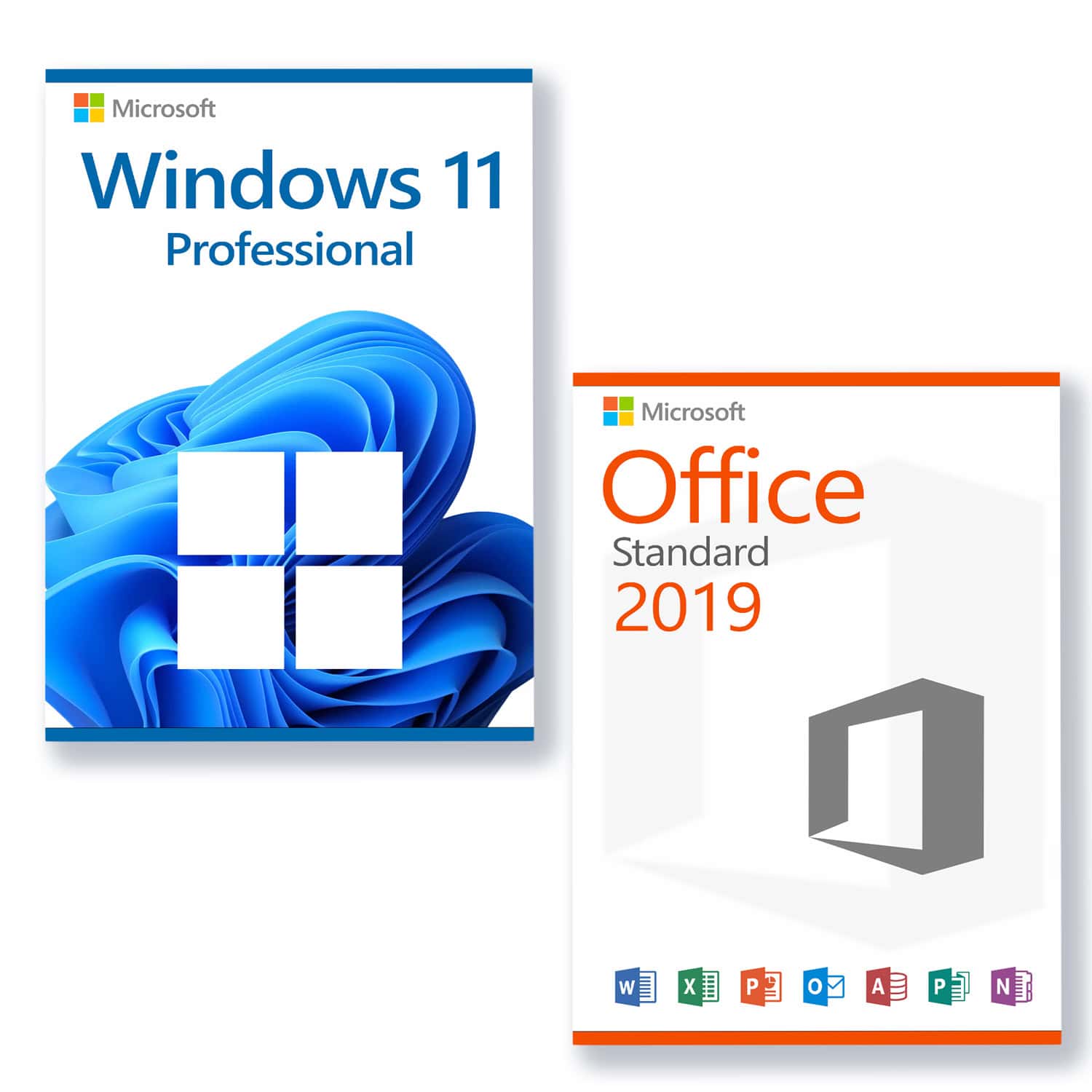
Microsoft Windows 11 Professional Licence for 3 PCs
- With this licence, the software can be activated on 3 different devices, e.g. home PC, laptop and work PC.
- 30-day full refund – Lifetime replacement guarantee
System requirements
Ensure you are ready for Microsoft's latest and greatest operating system!
These are the basic prerequisites for installing Microsoft Windows 11 on a PC. If your PC does not meet these requirements, you may not be able to install Microsoft Windows 11 on your device. If you are unsure whether your PC meets these requirements, you can check with your PC's original equipment manufacturer (OEM) or, if your device is already running Microsoft Windows 10, use the PC Health Check app to verify compatibility.to download).
| Processor | 1 Gigahertz (GHz) or faster with 2 or more cores on a compatible 64-bit processor or SoC (System on a Chip). |
| RAM: | 4 gigabytes (GB) |
| Storage space | 64 GB or more
Hinweis: Siehe unten unter „Weitere Informationen zum Speicherplatz, um Microsoft Windows 11 aktuell zu halten“ für weitere Details. |
| System firmware: | UEFI, Secure Boot capable |
| TPM | Trusted Platform Module (TPM) version 2.0 |
| Graphics card | Compatible with DirectX 12 or higher with WDDM 2.0 driver |
| Advertisement: | High-resolution display (720p) with a diagonal of more than 9 inches, 8 bits per colour channel |
| Internet connection and Microsoft accounts: | Internet access is required for all Microsoft Windows 11 editions to perform updates and to download and use some features. A Microsoft account is required for some features. |
Microsoft Office 2019 Standard Licence for 3 PCs
- With this licence, the software can be activated on 3 different devices, e.g. home PC, laptop and work PC.
- 30-day full refund – Lifetime replacement guarantee
Mit Microsoft Office 2019 Standard erhalten Sie eine moderne Bürolösung von Microsoft. Die klassische Version der weltweit besten Microsoft Officeanwendungen deckt alle Ihre täglichen Anforderungen ab. Webversionen von Word, OneNote, Excel und PowerPoint ermöglichen einen einfachen Zugriff von überall.
Everything you need at a glance:
- Word 2019 – for the creation and editing of your texts and documents
- Excel 2019 – for the processing of tabular datasets
- PowerPoint 2019 – for creating engaging presentations
- Outlook 2019 – for managing emails, contacts, appointments, and tasks
- Publisher 2019 – for the easy creation of professional-looking publications
OneNote is no longer a component of the Microsoft Office suite, but is available as a standard application in Microsoft Windows 10, which is a prerequisite for using Microsoft Office 2019. Older versions of Microsoft Windows are not supported.
Zeit effektiver nutzen durch ein intelligentes Mailprogramm
Schnell ist der Posteingang überfüllt mit unwichtigen Mails und Spam. Dies führt dazu, dass Sie oder Ihre Mitarbeiter nicht effizient arbeiten können und Zeit verloren geht. Microsoft Outlook 2019 wurde weiterentwickelt und um die Funktion „Clutter“ erweitert, so dass das Programm selbst irrelevante E-Mails erkennt und sofort aussortiert. Dadurch ist Ihr Posteingang übersichtlicher und Sie können sich um die wirklich wichtigen Aufgaben kümmern.
Support:
Please do not hesitate to contact us if you have any questions. By email to contact. Our customer service is available 7 days a week, 24 hours a day.