







Descripción
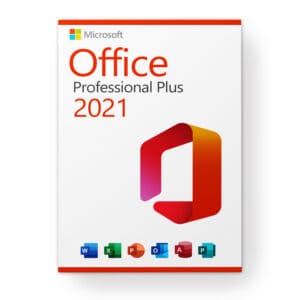
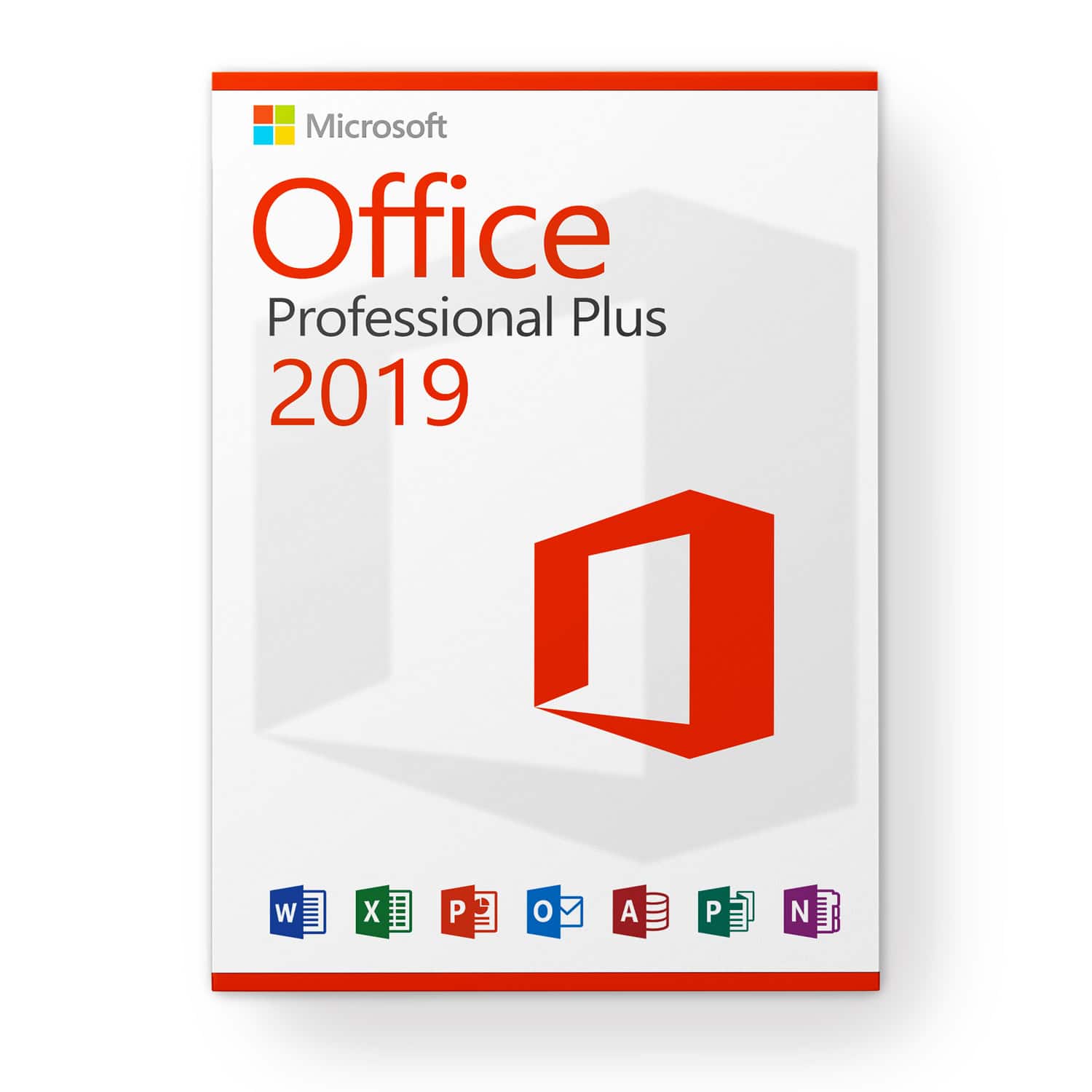
Microsoft Office 2019 Professional Plus
Licencia premium para 3 dispositivos
Con esta licencia el software se puede activar en 3 dispositivos diferentes, por ejemplo, PC de casa, portátil y PC del trabajo.
¡Garantía de reemplazo de por vida!
Choose Microsoft Office 2019 Professional Plus today and get the most advanced office solution from Microsoft. In addition to the familiar applications, you automatically get access to browser-based apps as well as Skype for Business. Simplified communication lets you collaborate even more effectively with others.
Todo lo que necesitas de un vistazo:
- Word 2019: Para crear y editar tus textos y documentos.
- Excel 2019: Para editar conjuntos de datos en formato de hoja de cálculo
- PowerPoint 2019: For creating captivating presentations
- Outlook 2019: For managing emails, contacts, appointments, and tasks
- Publisher 2019: For easily creating professional-looking publications
- Access 2019: For database creation with Internet access
- Lync 2019 (Skype for Business): For increased productivity through instant messaging and easy communication and collaboration with HD video conferencing
- Aplicaciones web (Word, Excel, PowerPoint).
OneNote is no longer part of the Microsoft Office suite, but is available as a standard app in Microsoft Windows 10, which is a prerequisite for using Microsoft Office 2019. Older versions of Microsoft Windows are not supported.
Collaboration
Collaborative work represents an important and crucial new feature of the Microsoft Office suite. Your collaborators can make changes to a file or continue the document at the same time. This possibility exists with all components of Microsoft Office, from Word to Excel and PowerPoint to OneNote. The files only need to be stored on OneDrive or OneDrive for Business or SharePoint Online and shared with the relevant employees. Sharing is easily done via a button in the program.
Skype for Business is another tool in the Microsoft Office 2019 Professional Plus package that promotes collaboration. Users can see the online status of team members at a glance and start a chat, internet call, group call or video broadcast as needed.
Utiliza el tiempo de manera más efectiva con un programa de correo electrónico inteligente
It doesn’t take long for your inbox to become cluttered with unimportant mail and spam. This leads to you or your employees not being able to work efficiently and time is lost. Microsoft Outlook 2019 has been further developed and extended with the “Clutter” function, so that the program itself recognizes irrelevant emails and sorts them out immediately. As a result, your inbox is clearer and you can take care of the really important tasks.
Seguridad mejorada para tu oficina digital
Otra nueva característica es la seguridad mejorada con “Prevención de Pérdida de Datos”. Los programas facilitan el control de la información que se incluye y comparte en los documentos. Los administradores también tienen la capacidad de bloquear o restringir el acceso a datos específicos. Además, las notificaciones sobre posibles riesgos hacen que los usuarios sean más conscientes de la amenaza de pérdida de datos. Con servicios en la nube como OneDrive, tus datos no se perderán aunque falle un servidor o un dispositivo. Puedes acceder y editar archivos fácilmente desde cualquier parte del mundo.
Requisitos del sistema:
Procesador de doble núcleo de 1.6 GHz
Sistema operativo Microsoft Windows 10
2 GB (32 bits), 4 GB (64 bits) de RAM
4 GB de espacio disponible en disco duro
La aceleración gráfica requiere una tarjeta gráfica compatible con DirectX 10
Apoyo
Si tiene alguna pregunta, no dude en ponerse en contacto con nosotros en [email protected]. Nuestro servicio de atención al cliente está disponible 24/7.