








Description
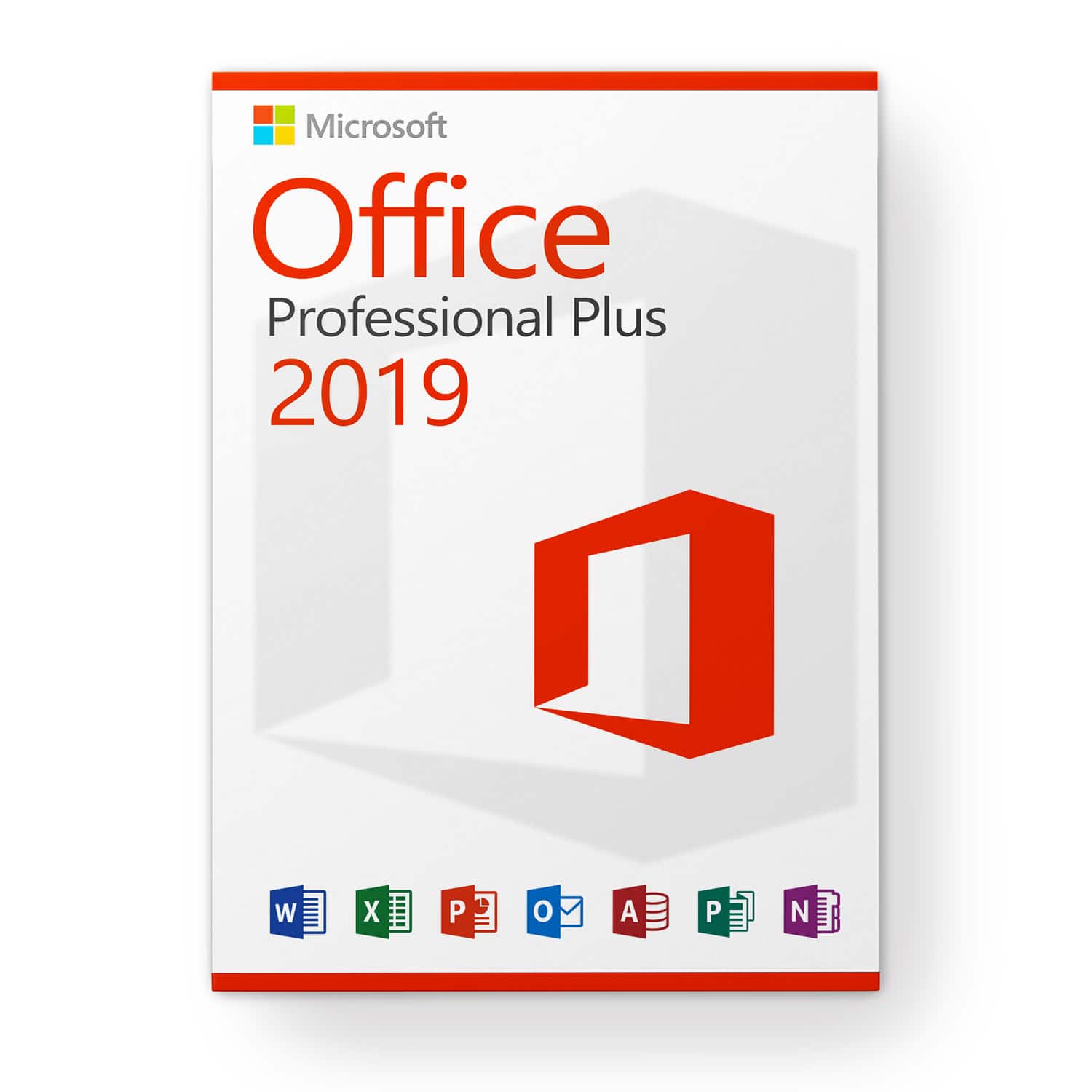
Microsoft Office 2019 Professional Plus Lizenz für 3 PC
With this licence, the software can be activated on 3 different devices, e.g. home PC, laptop and work PC.
30-day full refund – Lifetime replacement guarantee
Choose Microsoft Office 2019 Professional Plus today and you'll get the most modern office solution from Microsoft. In addition to the well-known applications, you'll automatically receive access to browser-based apps and Skype for Business. Through simplified communication, you can collaborate more effectively with others.
Everything you need at a glance:
- Word 2019 – for the creation and editing of your texts and documents
- Excel 2019 – for the processing of tabular datasets
- PowerPoint 2019 – for creating engaging presentations
- Outlook 2019 – for managing emails, contacts, appointments, and tasks
- Publisher 2019 – for the easy creation of professional-looking publications
- Access 2019 – for database creation with internet access
- Lync 2019 (Skype for Business) – for increased productivity through instant messaging and simple communication, as well as collaboration with HD video conferences
- Web Apps Word, Excel, PowerPoint
OneNote is no longer a component of the Microsoft Office suite, but is available as a standard application in Microsoft Windows 10, which is a prerequisite for using Microsoft Office 2019. Older versions of Microsoft Windows are not supported.
Collaboration
Collaborative working represents an important and crucial innovation of the Microsoft Office suite. Your employees can make changes to a file or continue working on a document simultaneously. This capability is available for all components of Microsoft Office, from Word to Excel, PowerPoint, and OneNote. The files simply need to be stored on OneDrive or OneDrive for Business or SharePoint Online and shared with the relevant employees. Sharing is done very easily via a button within the program.
Skype for Business is another tool from the Microsoft Office 2019 Professional Plus package that promotes collaboration. Users can see the online status of team members at a glance and initiate a chat, internet call, group conversation, or video broadcast as needed.
Zeit effektiver nutzen durch ein intelligentes Mailprogramm
Schnell ist der Posteingang überfüllt mit unwichtigen Mails und Spam. Dies führt dazu, dass Sie oder Ihre Mitarbeiter nicht effizient arbeiten können und Zeit verloren geht. Microsoft Outlook 2019 wurde weiterentwickelt und um die Funktion „Clutter“ erweitert, so dass das Programm selbst irrelevante E-Mails erkennt und sofort aussortiert. Dadurch ist Ihr Posteingang übersichtlicher und Sie können sich um die wirklich wichtigen Aufgaben kümmern.
Verbesserte Sicherheit für Ihr digitales Büro
Eine weitere Neuerung ist die verbesserte Sicherheit mit „Data Loss Prevention“. Über die Programme kann einfacher gesteuert werden, welche Informationen in Dokumente integriert und weitergegeben werden. Zudem haben Administratoren die Möglichkeit, den Zugriff auf bestimmte Daten zu blockieren oder zu beschränken. Darüber hinaus werden die Nutzer durch Benachrichtigungen zu potenziellen Risiken für die Gefahr des Datenverlusts sensibilisiert. Durch die Cloud-Services wie OneDrive gehen Ihre Daten auch bei einem Ausfall eines Servers oder eines Geräts nicht verloren. Sie können von überall auf der Welt problemlos auf die Dateien zugreifen und sie bearbeiten.
System requirements
- 1,6 GHz, Doppelkern Prozessor
- Betriebssystem Microsoft Windows 10
- 2 GB (32bit), 4 GB (64bit) Arbeitsspeicher
- 4 GB verfügbarer Festplattenspeicher
- Grafikbeschleunigung setzt eine DirectX 10 kompatible Grafikkarte voraus
Support:
Please do not hesitate to contact us if you have any questions. By email to contact. Our customer service is available 7 days a week, 24 hours a day.