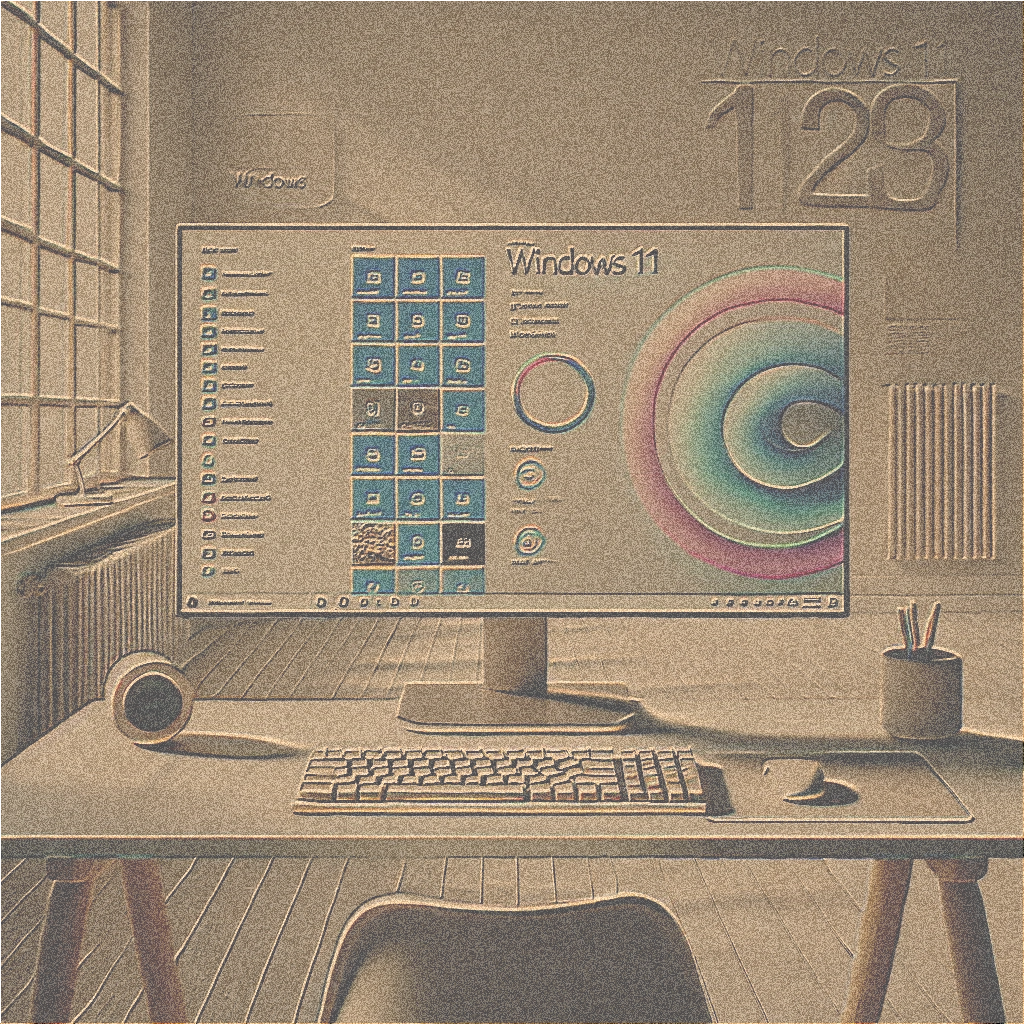
Is your PC ready for Windows 11? Here's how to check!

Windows 11 brings numerous innovations such as a modernized interface, improved performance, and enhanced security features. But before upgrading, you must ensure your computer meets the system requirements.

What makes Windows 11 special?
Windows 11 offers an intuitive user interface, faster workflows, and optimized features for gaming and productivity. For many, it's a step towards the future of digital work, but the PC must meet certain requirements.

Minimum requirements for Windows 11
Your PC needs:

  • Processor with at least 1 GHz and two cores (e.g., Intel Core 8th Gen or higher or AMD Ryzen 2000).
  • 4 GB of RAM and 64 GB of storage space.
  • UEFI with Secure Boot and TPM 2.0.
  • DirectX 12 compatible graphics card.
  • Screen with a minimum resolution of 720p.

How to know if your PC is ready
Use Microsoft's official PC Health Check toolhttps://aka.ms/GetPCHealthCheckAppAlternatively, you can check basic information about the processor and RAM in the Control Panel. For TPM 2.0 and Secure Boot, take a look at your device's BIOS.

What to do if your PC isn't suitable
If your PC doesn't meet the requirements, you have the following options:

  • Stick with Windows 10, which will have support until October 2025.
  • Invest in a new device that is compatible with Windows 11.
  • Perform a hardware upgrade if technically possible (e.g., a TPM module).

Prepare for the update
If your PC is ready, you should back up all important data, update your drivers, and install the latest Windows updates before upgrading to ensure a smooth experience.

Conclusion
Windows 11 brings modern features and more security: ideal for private and business users in Switzerland. Check today if your PC is ready for the upgrade!
The 10 best reasons why you should upgrade from Windows 10 to Windows 11

Windows 11 was developed by Microsoft as the successor to Windows 10 and brings numerous improvements and new features that optimize the user experience. What is especially important is that the Support for Windows 10 will end on October 14, 2025. This means that security updates and technical support for Windows 10 will end in the future. So if you're still unsure about making the switch, this article will show you why upgrading to Windows 11 is not only sensible but also necessary for the future.

1. Modern and attractive design

Windows 11 offers a completely new, sleek, and modern design. The user interface is cleaner, with rounded corners and a centered taskbar. This not only provides an aesthetic improvement but also a more intuitive user experience. If you're looking for a refreshed look, you'll love Windows 11.

2. Best performance and speed

Windows 11 is optimized for performance, delivering faster load times and improved responsiveness compared to Windows 10. System resources are used more efficiently, so even older devices will see a noticeable performance boost. SSD users, in particular, will appreciate the quicker boot times and smoother program execution.

3. Enhanced multitasking capabilities with Snap Layouts

With the new Fit designs y Adjustment groups Now you can organize your windows much more efficiently. Windows 11 allows you to automatically arrange applications into predefined layouts, enabling you to multitask at a new level. These features are especially useful for power users and anyone who regularly works with multiple programs at once.

4. Optimized for gaming

Windows 11 is the perfect partner for gamers. With features like DirectStorage y Auto HDR, the gaming experience improves enormously. DirectStorage reduces game loading times, while Auto HDR provides older games with better color quality and higher contrast. The Xbox Game Bar it also guarantees seamless integration with Xbox services.

5. Enhanced security

Security is a top priority in Windows 11. Microsoft has integrated new security features like TPM 2.0 (Trusted Platform Module) to ensure data integrity. This measure helps better protect your personal data and prevent external attacks. Windows 11 also brings greater integration of Windows Hello, facial recognition technology, and improves ransomware protection.

6. Application and Windows Store Integration

Windows 11 has a Microsoft Store optimized, now offering a wider selection of apps. It also supports integration of Android apps through Amazon Appstore, which gives you access to a variety of new applications. Additionally, applications can be installed from various sources, increasing flexibility and ease of use.

7. Virtual desktops for increased productivity

With Windows 11, you can create multiple Virtual offices and divide your work into different areas. Whether you need multiple desks for work, study, or play, Windows 11 makes it easy to switch between different tasks and brings more order and structure to your PC.

8. Optimized touch and pen input

Windows 11 has also been optimized for devices with touch screens and digital pens. New gestures and improved support for pen input allow for even smoother operation of tablets and 2-in-1 devices. This is a great advantage, especially for designers, artists, and anyone who prefers creative work.

9. Better collaboration with Microsoft Teams

Microsoft Teams is now integrated directly into Windows 11, making collaboration with colleagues and friends considerably easier. Thanks to the new feature Chat, you can communicate with others directly from the taskbar without having to open a separate application. This is a great advantage, especially in times of remote work and virtual meetings.

10. Future updates and support

Windows 11 will have better long-term support than Windows 10, which will reach the end of its lifecycle in 2025. By upgrading to Windows 11, you can be confident that you will receive regular security updates and new features that will keep your system up-to-date.

Conclusion: Is it worth upgrading to Windows 11?

The decision to upgrade from Windows 10 to Windows 11 depends on your individual needs. If you want a modern design, improved performance, and features optimized for gaming and multitasking, then Windows 11 is the perfect choice. The enhanced security features and deeper integration of Microsoft Teams also make it an ideal option for professional users and teamwork.

Conclusion: Windows 11 offers many advantages over Windows 10 and will surely convince many users. If your PC meets the minimum requirements, you should consider updating it to benefit from the latest features and improved performance.

textotrustami

Welcome to shop.winandoffice.com!Your primary source for Microsoft products and services! We understand the importance of technology in today's world, which is why we are proud to offer you a wide range of Microsoft software, including Microsoft Windows and Microsoft Office. Our platform allows you to conveniently download Microsoft products, accompanied by a transparent invoice that includes our VAT ID and proof of origin for the licenses.

After successfully placing your order, you will receive your purchased license and an encrypted SSL link via email. Using this link, you will not only be able to download the software you desire but also access the corresponding installation instructions. This efficient process saves shipping costs while simultaneously offering professional support from our competent service team.

Our mission is to provide you with a seamless experience. That's why we offer lightning-fast 2-minute shipping. Our dedicated, multilingual customer support team is available 24/7 to provide you with comprehensive expertise at any time, whether through live chat or email.

Our commitment to satisfied customers is also reflected in our Lifetime Product Guarantee to ensure your long-term satisfaction. We know flexibility is important. That's why we offer a return policy to ensure you are completely satisfied with your purchase.

For more information, support, or inquiries, we are available 24/7.

MY NAME IS KINSEN
VAT ID: ES B93491173
Address: Wernher-Von-Braun-Strasse 16, 63303 Dreieich, Germany