










Description
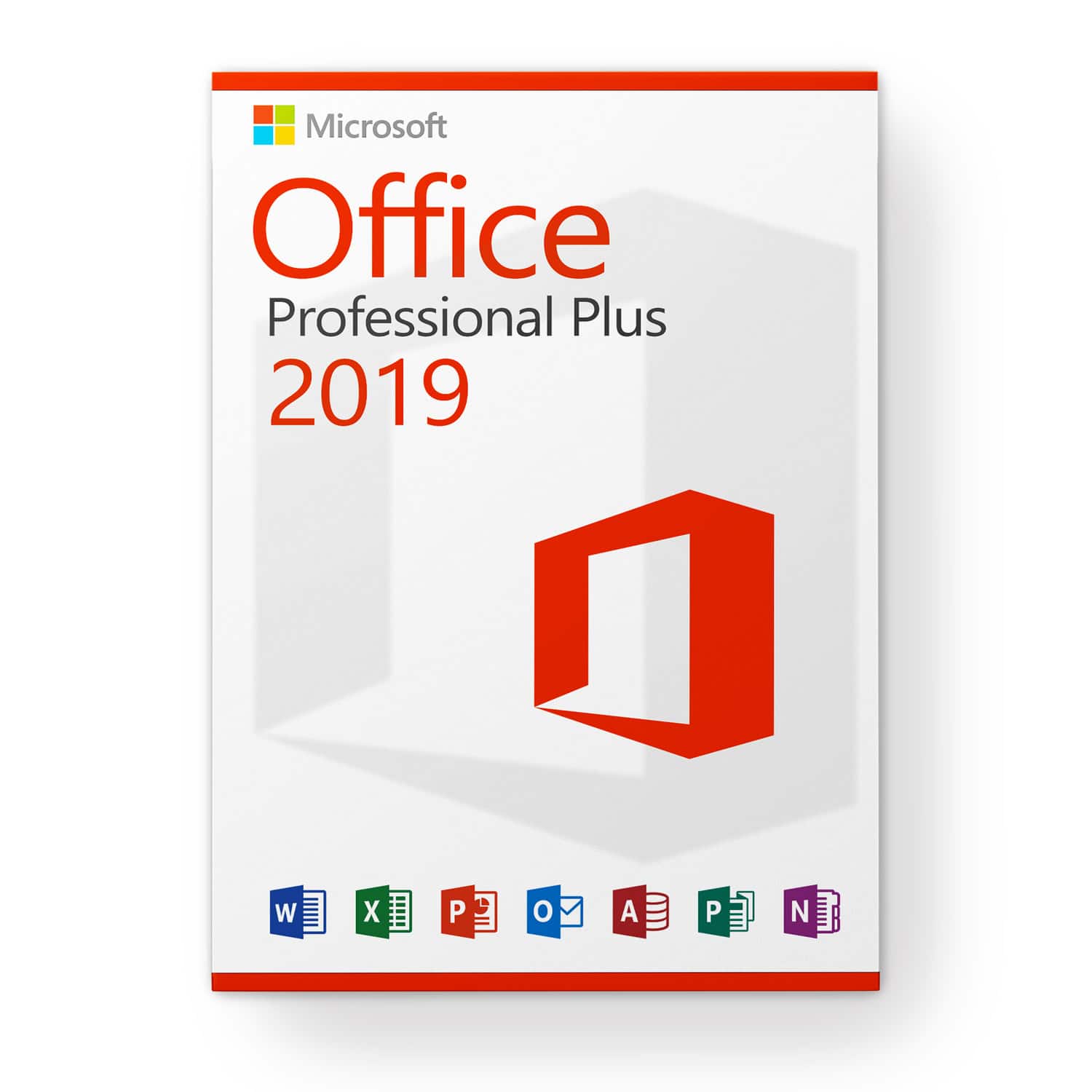
Microsoft Office 2019 Professional Plus license for 3 PCs
This license allows you to activate the software on 3 different devices, for example a personal computer, a laptop and a professional computer.
Choose Microsoft Office 2019 Professional Plus today and you will receive Microsoft’s latest and most modern office solution. In addition to traditional applications, you automatically have access to browser-based applications and Skype for Business. Thanks to streamlined communication, you can work more effectively with others.
Everything you need at a glance:
- Word 2019 – For the creation and editing of your texts and documents
- Excel 2019 – To process data records in a tabular format
- PowerPoint 2019 – To create inspiring presentations
- Outlook 2019 – To manage your emails, contacts, schedules and tasks
- Publisher 2019 – To easily create professional-looking publications
- Access 2019 – For creating databases with Internet access
- Lync 2019 (Skype Enterprise): for increased productivity thanks to instant messaging and simplified communication and collaboration thanks to HD videoconferencing
- Web applications (Word, Excel, PowerPoint)
OneNote is no longer part of the Microsoft Office suite; it is now included in the Microsoft Windows 10 operating system, which is required to use Microsoft Office 2021. Previous versions of Microsoft Windows are not supported.
Teamwork
Working together is an important and crucial innovation in the Microsoft Office suite. Your employees can edit a file or continue working on the document at the same time. This option is available for all Microsoft Office components, from Word to Excel and from PowerPoint to OneNote. The files must only be saved on SharePoint Online, OneDrive or OneDrive for Business and published to the appropriate employees. Release is very simple thanks to a button in the program.
Skype Enterprise is another tool in the Microsoft Office 2019 Pro Plus suite that promotes collaboration. Users can see the online status of team members at a glance and can initiate a chat, an Internet call, a group conversation, or a video stream if necessary.
Use your time more effectively with an intelligent messaging program
Your inbox quickly fills up with unimportant emails and spam. This means that you or your employees cannot work effectively and that you are wasting time. Microsoft Outlook 2019 has been developed and expanded to include the “Clutter” function so that the program itself detects irrelevant emails and immediately classifies them. This makes your inbox clearer and brings you closer to the truly important tasks.
Enhanced security for your digital office
Another innovation is enhanced security with “Data Loss Prevention”. It is now easier to control in the programs which information can be included in documents and transmitted. Administrators also have the ability to block or restrict access to certain data. Additionally, users are informed of the risk of data loss through potential risk notifications. Thanks to cloud services like OneDrive, your data is not lost even in the event of a server or device failure. You can easily access and edit files from anywhere in the world.
Required configuration:
- 2-core processor at 1.6 GHz
- Microsoft Windows 10 operating system
- 2 GB (32-bit), 4 GB (64-bit) RAM
- 4 GB of available disk space
- DirectX 10 graphics card for using graphics hardware acceleration
Customer service:
For any questions, please do not hesitate to contact us via [email protected]. Our customer service is available 7 days a week, 24 hours a day.