










Description
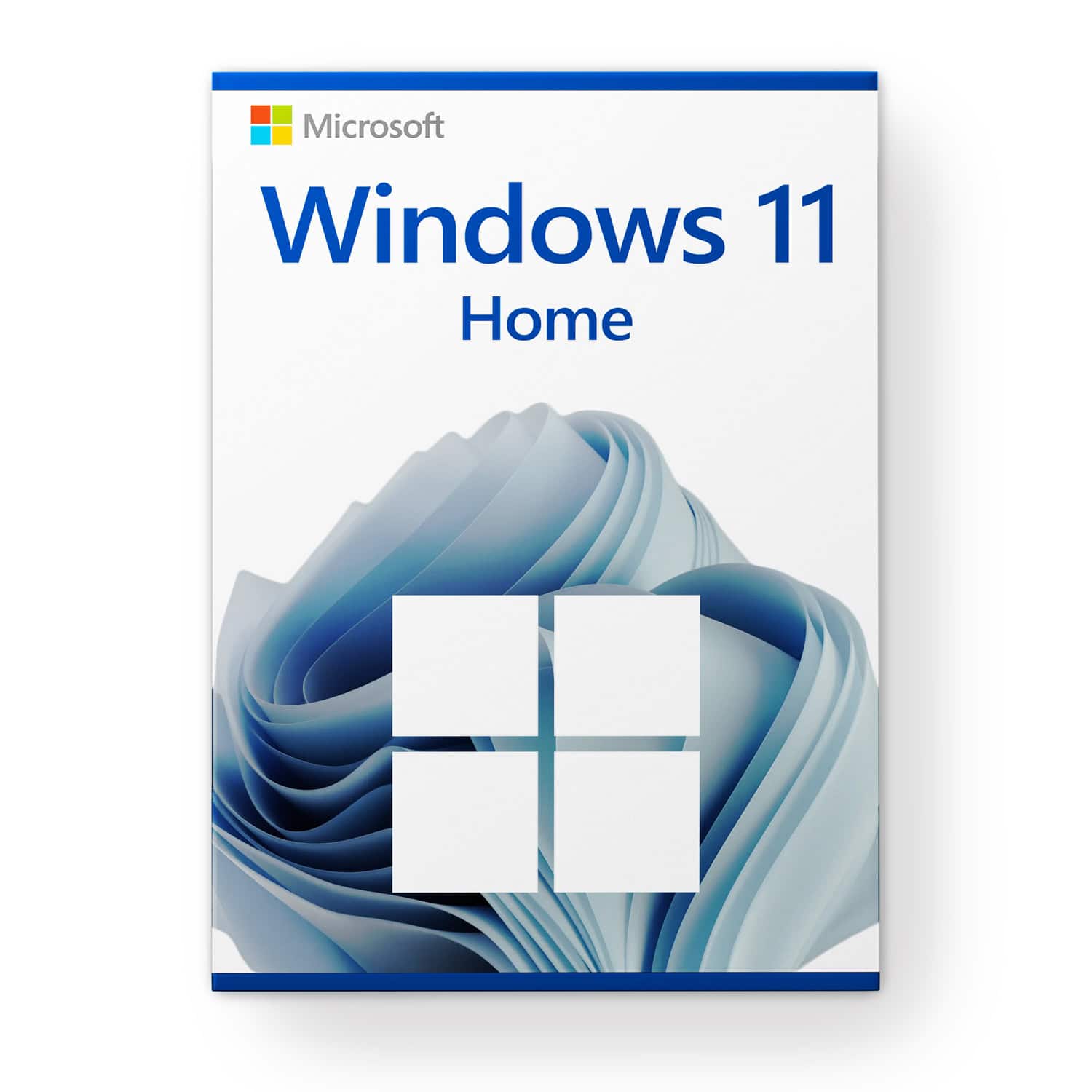
Microsoft Windows 11 Home
System Requirements
Make sure you are ready for Microsoft’s latest and greatest operating system!
These are the basic requirements for installing Microsoft Windows 11 on a PC. If your device does not meet these requirements, you may not be able to install Microsoft Windows 11 on your device and should consider purchasing a new PC. If you are unsure whether your PC meets these requirements, you can check with your PC original equipment manufacturer (OEM), or if your device is already running Microsoft Windows 10, use the PC Health Check app to verify compatibility (download here).
- Processor: 1 gigahertz (GHz) or faster with 2 or more cores on a
compatible 64-bit processor
or System on a Chip (SoC) - RAM: 4 gigabytes (GB)
- Storage: 64 GB or larger
Note: See below under “More information on storage space to keep Microsoft Windows 11 up to date” for additional details. - System firmware: UEFI, Secure Boot capable
- TPM: Trusted Platform Module (TPM) version 2.0
- Graphics card: Compatible with DirectX 12 or later with WDDM 2.0 driver
- Display: High definition display (720p) larger than 9” diagonally, 8 bits per color channel
- Internet connection and Microsoft accounts:
Microsoft Windows 11 Home edition requires an internet connection and a Microsoft account to complete device setup on first use.
Switching a device out of Microsoft Windows 11 Home in S mode also requires an internet connection.
For all Windows 11 editions, internet access is required for updates, downloads, and some features. A Microsoft account is required for certain features.
Over time, there may be additional requirements for updates, as well as requirements to enable specific features within the operating system.
Feature-Specific Requirements for Microsoft Windows 11
Some features in Microsoft Windows 11 have increased requirements beyond those listed above in the minimum requirements section. Below are some additional details regarding requirements for key features:
- 5G support requires a 5G-capable modem.
- Auto HDR requires an HDR monitor.
- BitLocker to Go requires a USB flash drive (available in Microsoft Windows Pro and higher editions).
- Client Hyper-V requires a processor with Second Level Address Translation (SLAT) capabilities (available in Microsoft Windows Pro and higher editions).
- Cortana requires a microphone and speaker and is currently available in Microsoft Windows 11 for Australia, Brazil, Canada, China, France, Germany, India, Italy, Japan, Mexico, Spain, the United Kingdom, and the United States.
- DirectStorage requires an NVMe SSD to store and run games that use the “Standard NVM Express Controller” driver and a DirectX 12 GPU with Shader Model 6.0 support.
- DirectX 12 Ultimate is available with supported games and graphics chips.
- Presence requires a sensor that can detect human distance from device or intent to interact with device.
- Intelligent video conferencing requires a video camera, microphone, and speaker (audio output).
- Multiple Voice Assistant (MVA) requires a microphone and speaker.
- Resolution Three-column snap layouts require a screen that is at least 1920 effective pixels wide.
- Mute/Unmute from taskbar requires a video camera, microphone, and speaker (audio output). The app must support the feature to enable global mute/unmute.
- Spatial Sound requires supporting hardware and software.
- Teams requires a video camera, microphone, and speaker (audio output).
- Touch requires a screen or monitor that supports multi-touch.
- Two-factor authentication requires the use of a PIN, biometric authentication (fingerprint reader or illuminated infrared camera), or a phone with Wi-Fi or Bluetooth capabilities.
- Voice Typing requires a PC with a microphone.
- Wake on Voice requires a modern standby power model and a microphone.
- Wi-Fi 6E requires new WLAN IHV hardware and driver, as well as a Wi-Fi 6E-capable AP/router.
- Microsoft Windows Hello requires a camera configured for near infrared (IR) imaging or a fingerprint reader for biometric authentication. Devices without biometric sensors can use Microsoft Windows Hello with a PIN or a portable Microsoft-compatible security key.
- Microsoft Windows Projection requires a display adapter that supports Microsoft Windows Display Driver Model (WDDM) 2.0 and a Wi-Fi adapter that supports Wi-Fi Direct.
- Xbox (app) requires an Xbox Live account, which is not available in all regions. Refer to Xbox Live Countries and Regions for the latest availability information. Some features in the Xbox app require an active Xbox Game Pass subscription. Learn more about the pass.
Support:
If you have any questions, please do not hesitate to contact us by email. Our customer service is available 24 hours a day, 7 days a week.






Reviews
There are no reviews yet.